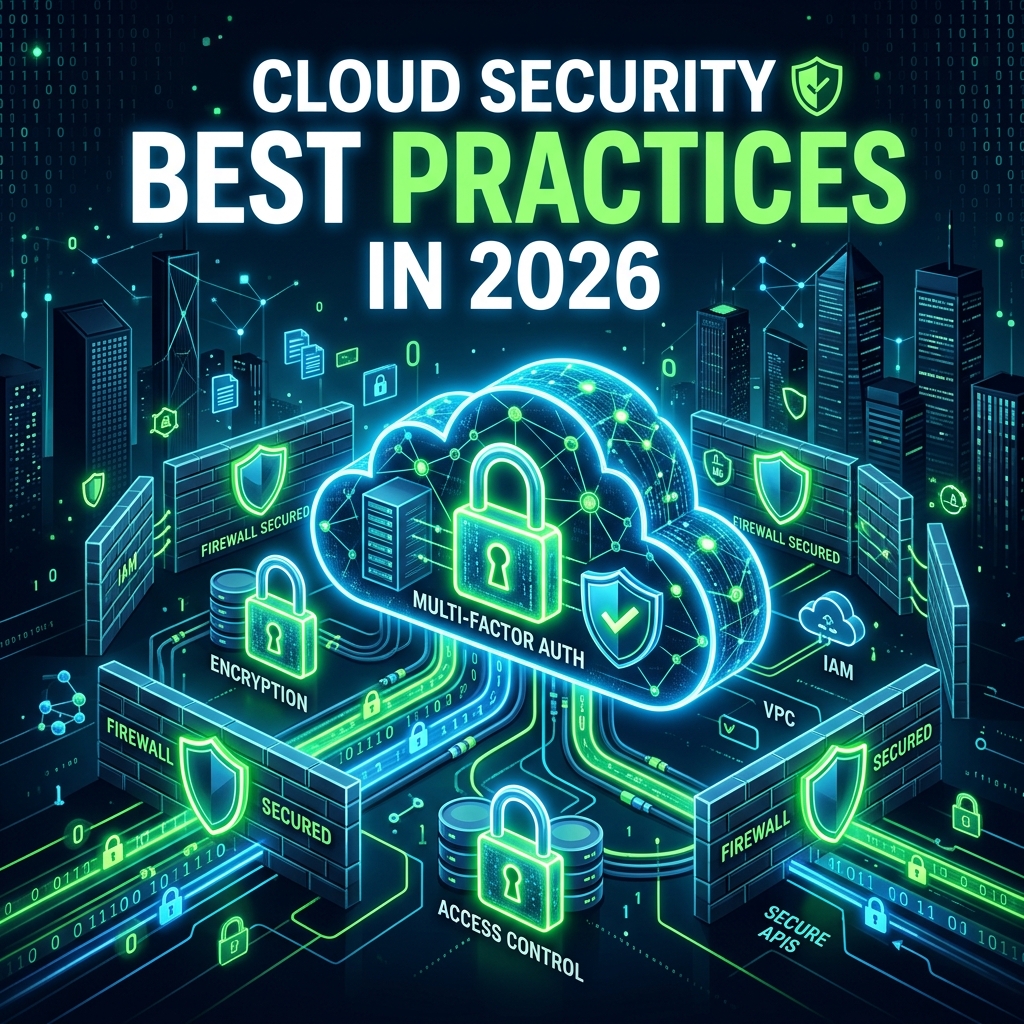
By 2026, 94% of enterprises use at least one cloud service, and 76% operate in a multi-cloud environment. While the cloud offers unprecedented scalability and flexibility, it also introduces a fundamentally different security challenge. Misconfigured cloud resources remain the #1 cause of data breaches in cloud environments.
This guide covers the essential security best practices you need to protect your cloud infrastructure across AWS, Azure, and GCP — whether you're just starting your cloud journey or managing a mature multi-cloud estate.
The Shared Responsibility Model
Every cloud security strategy must begin with understanding the Shared Responsibility Model. In essence:
- Cloud Provider — Secures the infrastructure (physical data centers, hypervisors, global network)
- You (the Customer) — Secures everything you put IN the cloud (data, identity, applications, configurations)
"The cloud is secure. Your configuration of it might not be. 90% of cloud security failures are the customer's fault — not the provider's." — Gartner
Identity & Access Management (IAM)
IAM is the cornerstone of cloud security. Get it wrong, and nothing else matters.
Best Practices
- Enforce MFA everywhere — Especially on root/admin accounts. Non-negotiable.
- Apply Least Privilege — Use IAM policies that grant the minimum permissions required. Audit and prune regularly.
- Use IAM Roles over Access Keys — Roles provide temporary, automatically rotated credentials. Access keys are a breach waiting to happen.
- Implement SCPs and Permission Boundaries — Service Control Policies (AWS) and Management Groups (Azure) restrict what member accounts can do.
# AWS IAM Policy: Least-privilege S3 access
{
  "Version": "2012-10-17",
  "Statement": [
    {
      "Effect": "Allow",
      "Action": [
        "s3:GetObject",
        "s3:ListBucket"
      ],
      "Resource": [
        "arn:aws:s3:::my-secure-bucket",
        "arn:aws:s3:::my-secure-bucket/*"
      ],
      "Condition": {
        "IpAddress": {
          "aws:SourceIp": "10.0.0.0/8"
        },
        "Bool": {
          "aws:SecureTransport": "true"
        }
      }
    }
  ]
}
Network Security
Virtual Private Clouds (VPCs)
Always deploy resources in private subnets within VPCs. Use NAT gateways for outbound internet access from private subnets, and never expose databases or application servers directly to the internet.
Security Groups & NACLs
Configure security groups as allowlists — deny all inbound by default and only open required ports. Layer Network ACLs for subnet-level filtering.
Zero Trust Networking
Implement service mesh (like Istio) for east-west traffic encryption and authentication. Use Private Link / Private Endpoints to access cloud services without traversing the public internet.
Data Protection
- Encrypt at Rest — Enable server-side encryption on all storage (S3, Blob Storage, Cloud Storage). Use customer-managed keys (CMKs) for sensitive data.
- Encrypt in Transit — Enforce TLS 1.3 on all endpoints. Use VPN or Direct Connect for hybrid connectivity.
- Block Public Access — AWS S3 Block Public Access, Azure Storage Firewall, GCP Uniform Bucket-Level Access. Enable them. Now.
- Backup & Versioning — Enable versioning and cross-region replication for critical data. Test your restoration process regularly.
Monitoring & Logging
You can't secure what you can't see. Every cloud environment must have comprehensive logging and monitoring:
- AWS — CloudTrail (API logging), GuardDuty (threat detection), Security Hub (centralized findings)
- Azure — Azure Monitor, Microsoft Defender for Cloud, Azure Sentinel (SIEM)
- GCP — Cloud Audit Logs, Security Command Center, Chronicle (SIEM)
Key Metrics to Monitor
- Unauthorized API calls and access denied events
- Root account usage (should be zero in normal operations)
- Resource changes outside change windows
- Unusual data transfer volumes
- Security group modifications
Infrastructure as Code (IaC) Security
Manually configuring cloud resources is a recipe for misconfigurations. Use Infrastructure as Code and integrate security scanning into your CI/CD pipeline:
# Terraform with security scanning
# Run checkov to find misconfigurations
$ checkov -d . --framework terraform

# Example secure S3 bucket in Terraform
resource "aws_s3_bucket" "secure_bucket" {
  bucket = "my-secure-data-bucket"
}

resource "aws_s3_bucket_server_side_encryption_configuration" "sse" {
  bucket = aws_s3_bucket.secure_bucket.id
  rule {
    apply_server_side_encryption_by_default {
      sse_algorithm     = "aws:kms"
      kms_master_key_id = aws_kms_key.bucket_key.arn
    }
  }
}

resource "aws_s3_bucket_public_access_block" "block" {
  bucket                  = aws_s3_bucket.secure_bucket.id
  block_public_acls       = true
  block_public_policy     = true
  ignore_public_acls      = true
  restrict_public_buckets = true
}
Conclusion
Cloud security is a continuous journey, not a destination. The fundamentals — IAM, network isolation, data encryption, logging, and IaC security — remain constant even as the threat landscape evolves.
At Netrinix Academy, our Cloud Security training covers hands-on labs across AWS, Azure, and GCP, giving you practical experience in securing real cloud environments. Because theory without practice is just wishful thinking.